Shorts that never drag.

A free Shorts and Reels editor in your browser. No watermark, no signup, and your video stays on your device.

Start editing
a real raw take, edited live

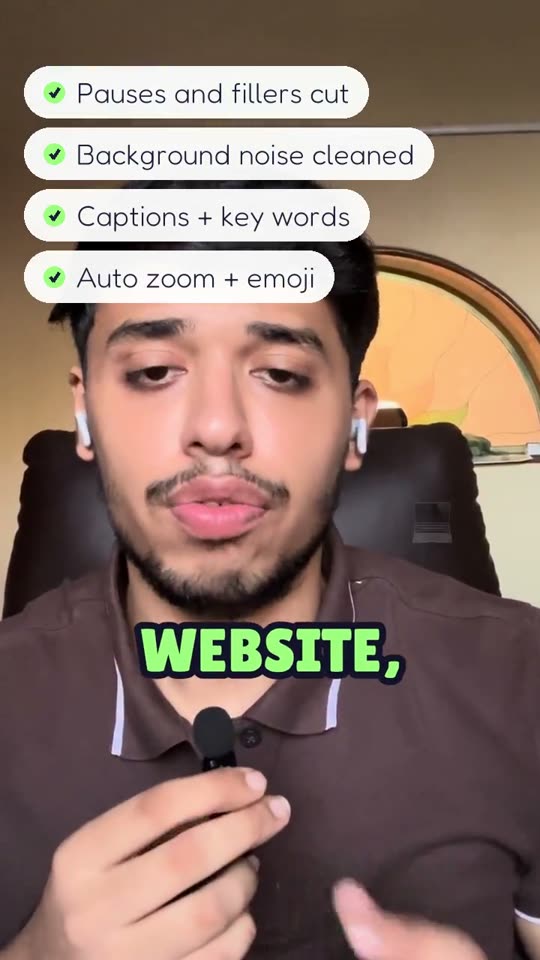
A creator's raw phone take, then the same moment after one pass in Cutmallow: pauses and filler words cut, background noise cleaned, word-by-word captions with key words highlighted, and automatic zooms with emoji.

Pauses: kept.gone.

This is real speech with its real silences. Flip the switch and the 0:11 clip plays in 0:09.

0:110:09

"Ask not what your country can do for you." John F. Kennedy, 1961.

From a quick take to posted. All in one tab, all free.
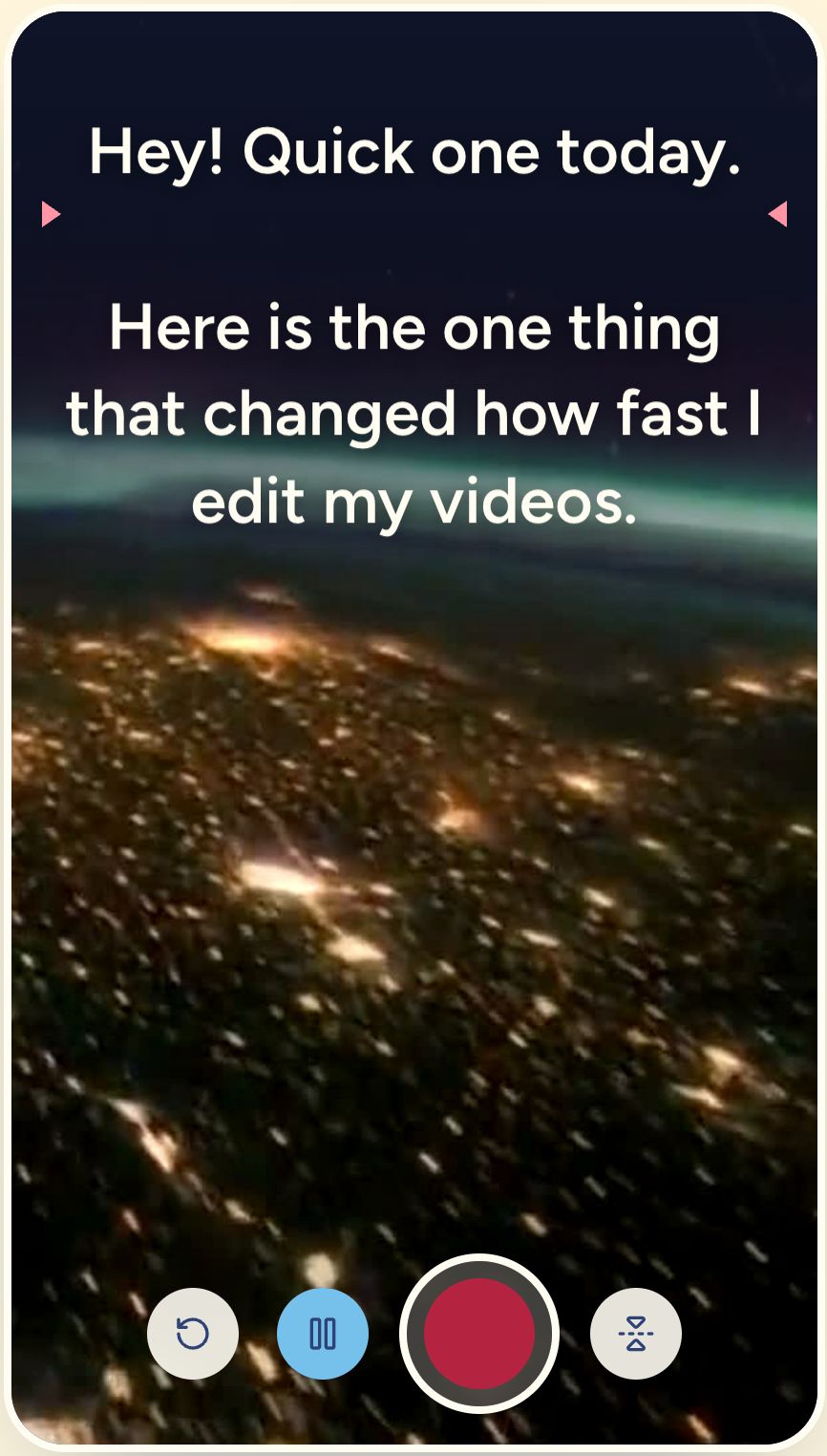
  1. The teleprompter: a script scrolling over the camera preview, with record and pause buttons

    Read it right under the lens.

    Record with the teleprompter: your script scrolls by your camera, with your voice or a clicker. The take opens straight in the editor.

    Open the teleprompter
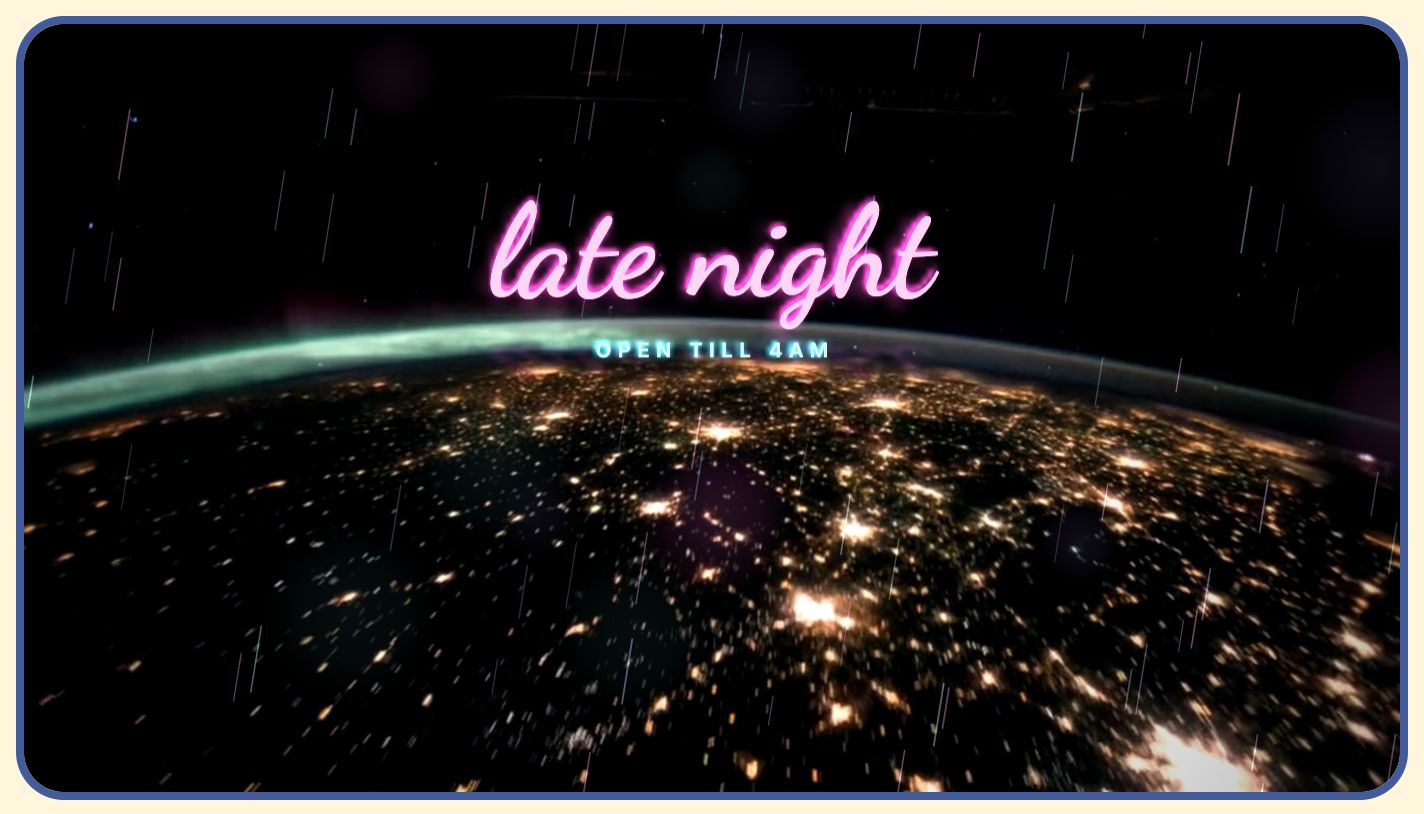
  2. The same project in a wide 16:9 frame with a neon overlay

    Cut it to every shape.

    Trim, split and reorder on the timeline, then export 9:16 for Shorts, 1:1 for the feed or 16:9 for YouTube. Captions and stickers follow.
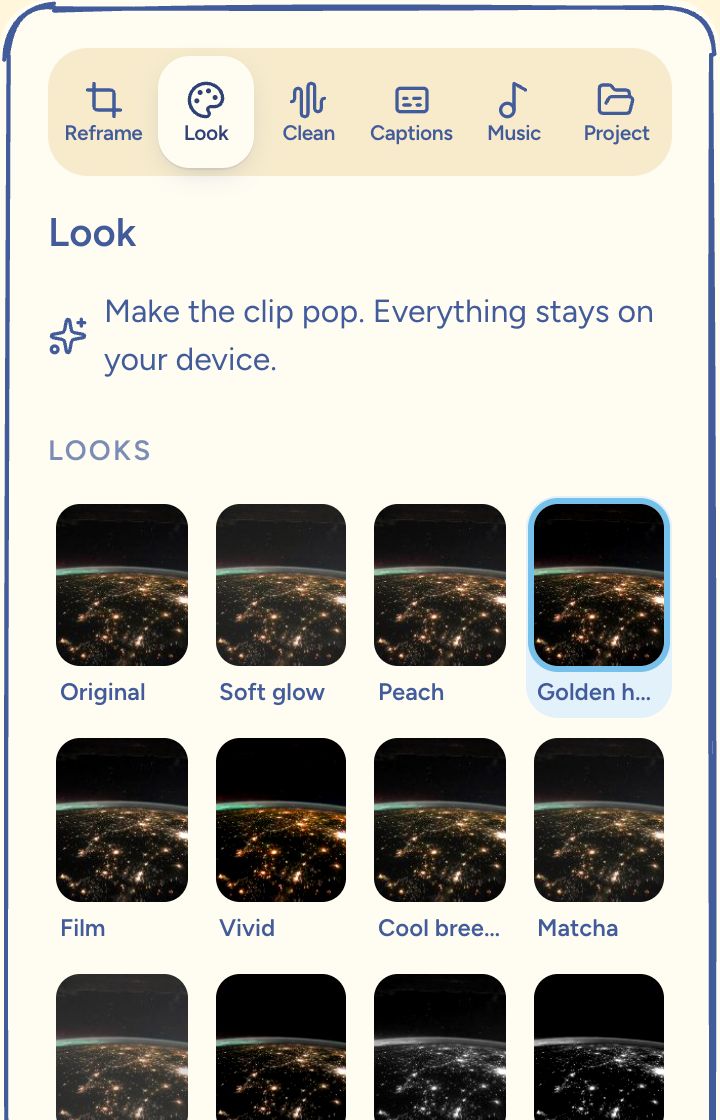
  3. The Look panel with color look swatches and a strength slider

    Make it pop with one slider.

    Eleven color looks, skin retouch, green screen and background removal, each one tap and one slider. Your clip never leaves the device.
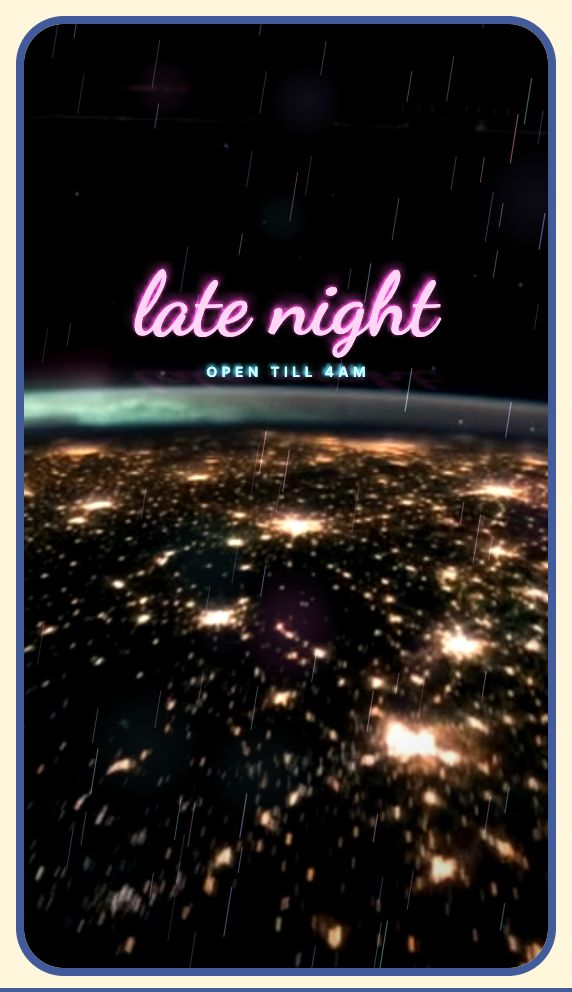
  4. A neon frame and neon sign overlay on night footage

    Give it a signature look.

    Studio Packs add motion overlays and a matched look in one tap. One pack is free, and every tool stays free either way.

    See the packs
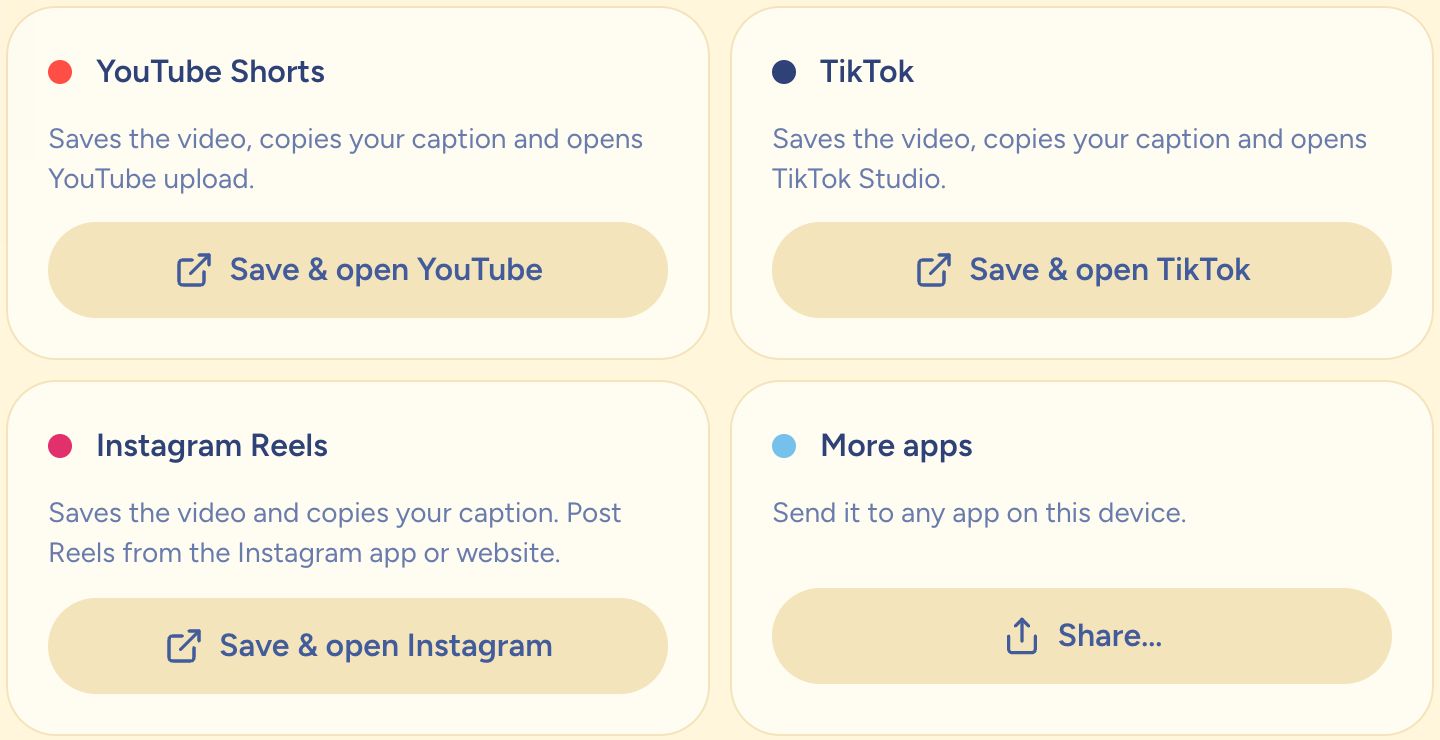
  5. Post options for YouTube Shorts, TikTok, Instagram Reels and other apps

    Post it without the shuffle.

    Title, caption and hashtags come from your captions. Then on to YouTube Shorts, TikTok or Reels, straight from your device.

Watch

The whole edit in 38 seconds.

Pauses cut, room noise cleaned, words deleted straight from the transcript, stickers dropped on. Every step in this film happens in a browser tab.

Your clip never leaves home.

Cutmallow edits on your phone or laptop, not on a server. Nothing to upload, nothing to wait for.

  • No account, no signup
  • No watermark on the MP4 you export
  • 1080p in 9:16, 1:1 or 16:9, ready for Shorts, Reels and TikTok
  • Install it once, then edit offline

No credits, no usage limits, no watermark.

Export as many videos as you like, use every AI tool as often as you like, at full quality. The only limit is a 15 minute source clip. Ads on these pages and optional Studio Packs keep it that way.

Buy us a marshmallow on Ko-fi

Want a signature look?

Studio Packs are motion overlays and a matched look, made by us. One pack is free, the others cost about as much as a coffee. Buying one never unlocks a feature: every tool is already yours.

See the packs
Example edit · coming to Pro

Coming soon

Motion graphics that explain.

Title cards, data callouts and end screens that move with your words, like this creator's Short. Premium motion packs like these are coming to Pro. Everything you can do today stays free.

See what's in Pro

Questions, answered.

What is Cutmallow?

Cutmallow is a free video editor for YouTube Shorts, Instagram Reels and TikTok that runs entirely in your web browser. It cuts pauses, removes background noise, writes word-by-word animated captions and exports a 9:16 MP4 with no watermark, no signup and no upload. Your video never leaves your device.

Is Cutmallow really free?

Yes. Every tool, every export and every AI feature is free, at full quality and with no watermark. There are no credits and no limits besides a 15 minute source clip. Ads on these pages, Ko-fi tips and optional Studio Packs pay for it.

Do my videos get uploaded anywhere?

No. Editing, captions, noise removal and background removal all run in your browser on your own device. Your video only leaves it when you choose to post it to a platform yourself.

Do I need an account?

No signup and no login. Your project saves itself in this browser, and you can download a project file as a backup.

Does it work on my phone?

Yes, on recent iPhones and Android phones as well as computers. Chrome, Edge and Safari get every feature; Firefox on a computer works too, with slower AI tools.

Can I use it offline?

After your first visit the editor installs itself in the browser and opens without internet. Add it to your home screen or dock to use it like an app. AI tools work offline after their first use.

Which formats can I export?

An MP4 in 1080p, 720p or 540p, shaped 9:16 for Shorts, Reels and TikTok, 1:1 for the feed or 16:9 for YouTube. You can also aim for a file size.

What are Studio Packs?

Optional packs of motion overlays with a matched look. One is free. Buying a pack only adds style: it never unlocks a feature, a quality setting or watermark removal, because those are already free.

Got a clip? Start editing

Opens the editor. Your video stays on this device.

A toasted marshmallow on a wooden stick