How an edit goes
From a quick take to posted, in 7 steps. All in one tab, all free.
01 Record
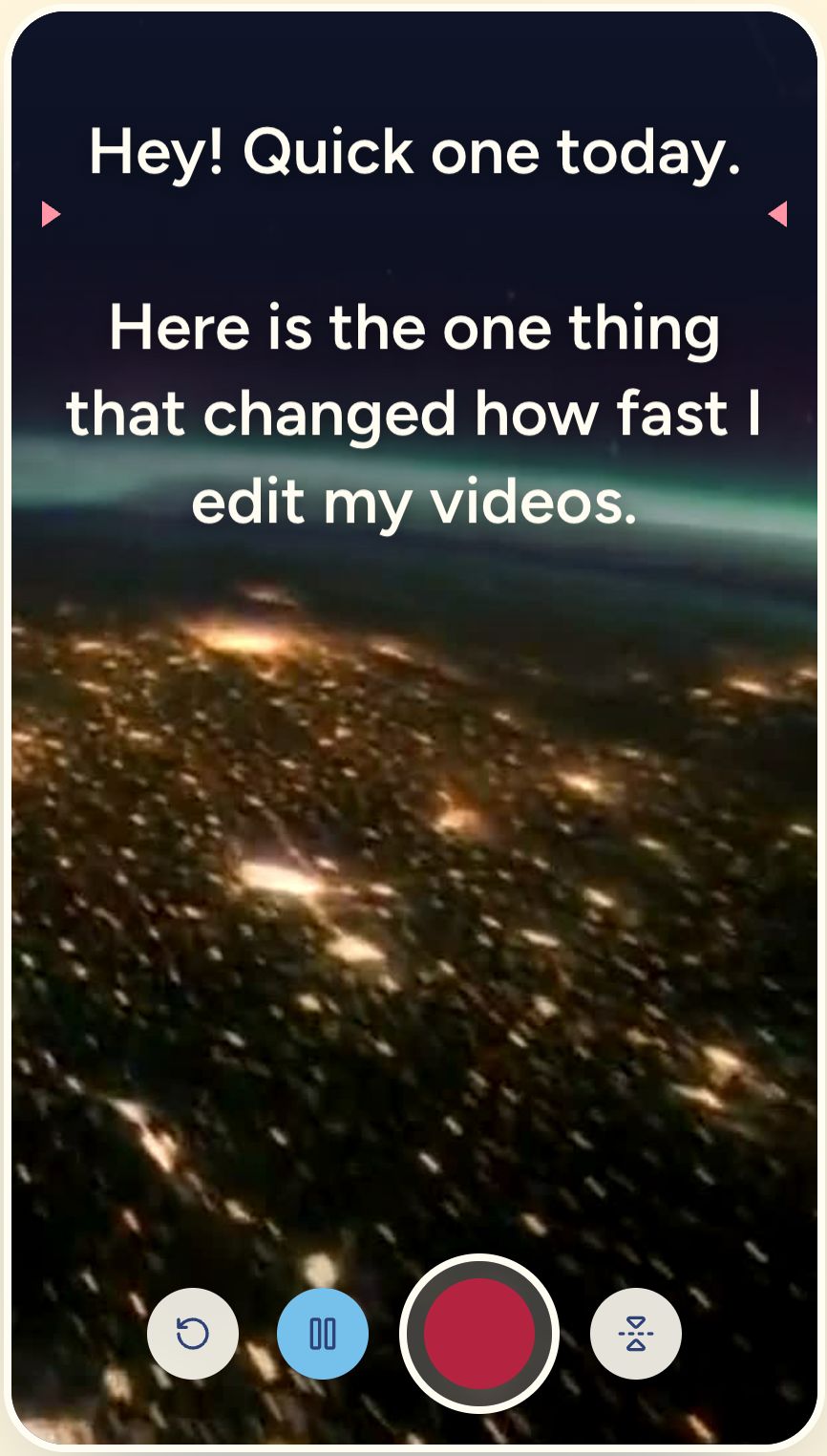
Drop in a clip, or record one.
Open any phone video, or read your script on the teleprompter right under your camera. The take opens straight in the editor.
Open the teleprompter02 Cut
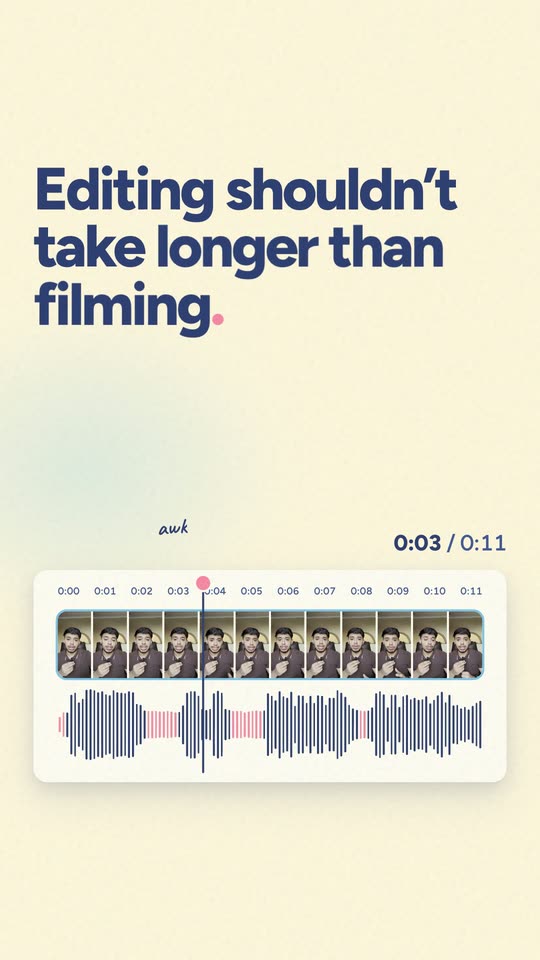
Cut the silences in one tap.
The dead air between your sentences (the pink gaps) is found and cut for you. Same words, a tighter clip.
03 Clean
Clean up the sound.
Fans, traffic and room echo fade out, and your voice is levelled so it sounds the same from start to end.
04 Caption
Captions write themselves.
Word-by-word captions in 99 languages. Delete a word in the transcript and that bit of video goes too.
05 Frame
Fit it to every app.
Trim, split and reorder on the timeline, then frame it 9:16 for Shorts and Reels, 1:1 for the feed or 16:9 for YouTube.
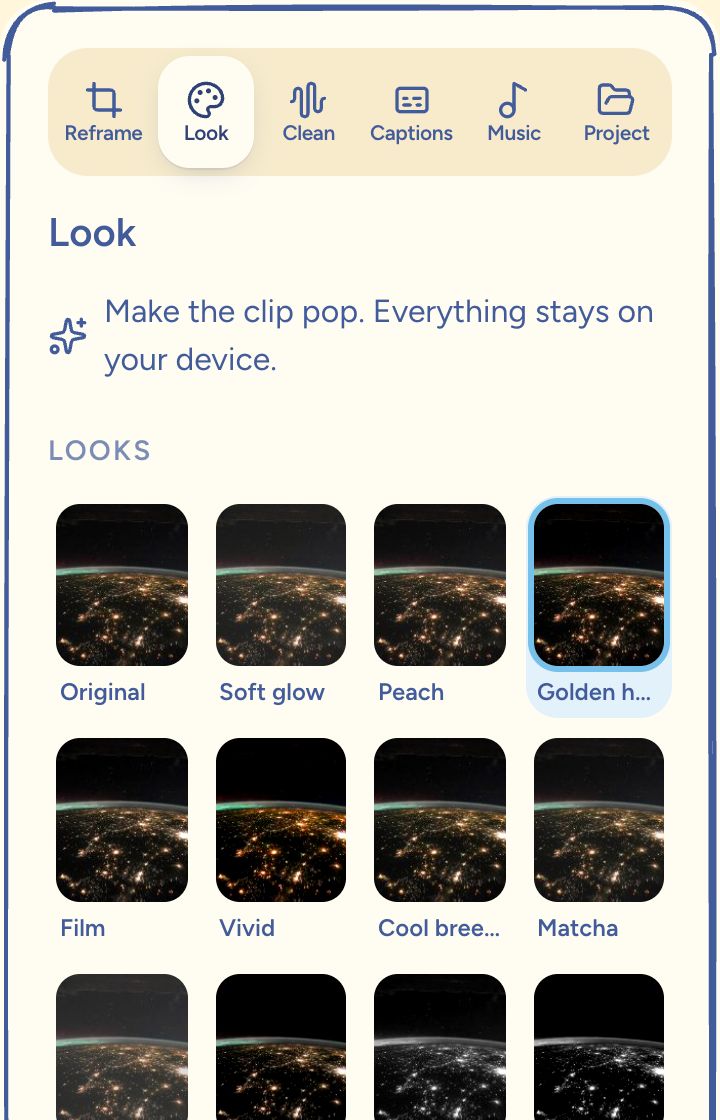
06 Style
Give it a look.
Color looks, skin retouch, background removal, stickers and Studio Packs with motion overlays. One tap, one slider each.
See the packs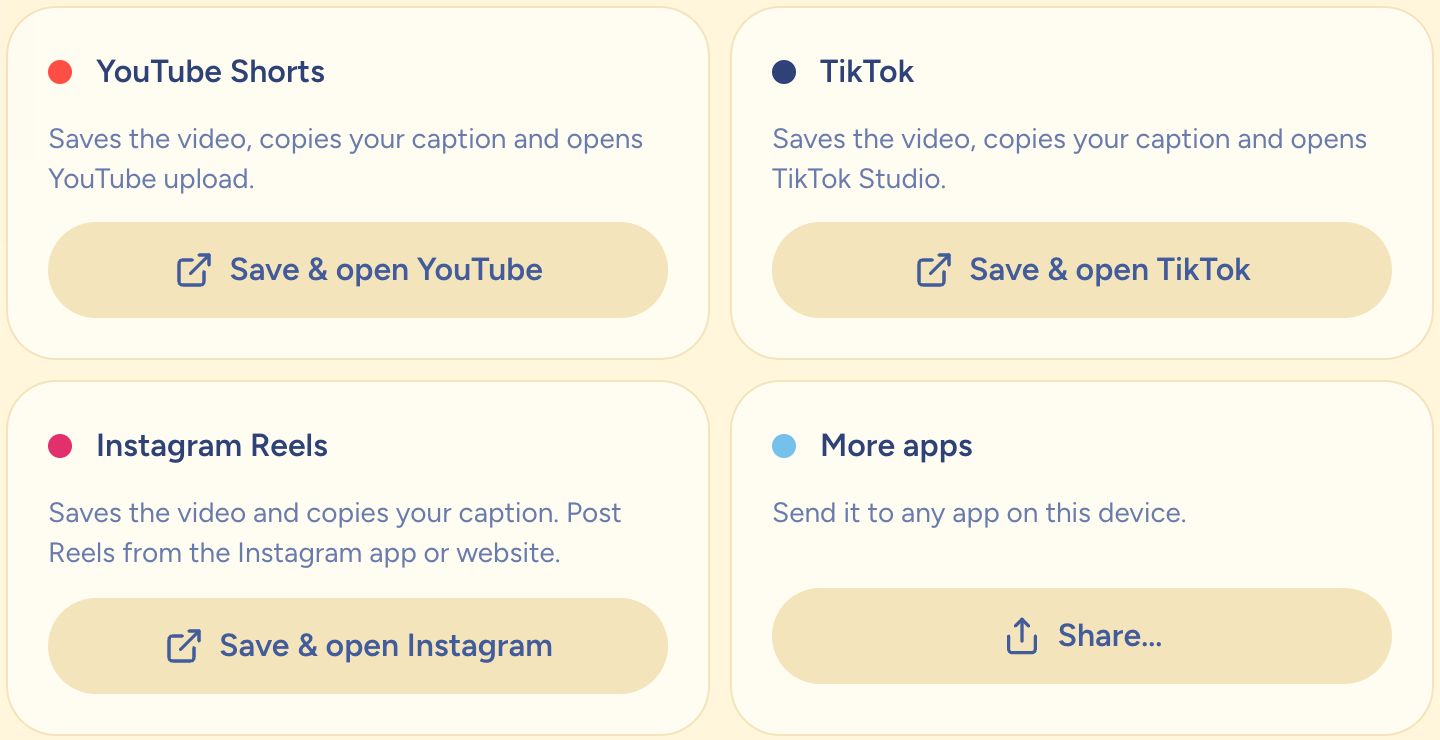
07 Post
Export and post.
A 1080p MP4 with no watermark. Title, caption and hashtags come from your captions, then on to Shorts, TikTok or Reels.